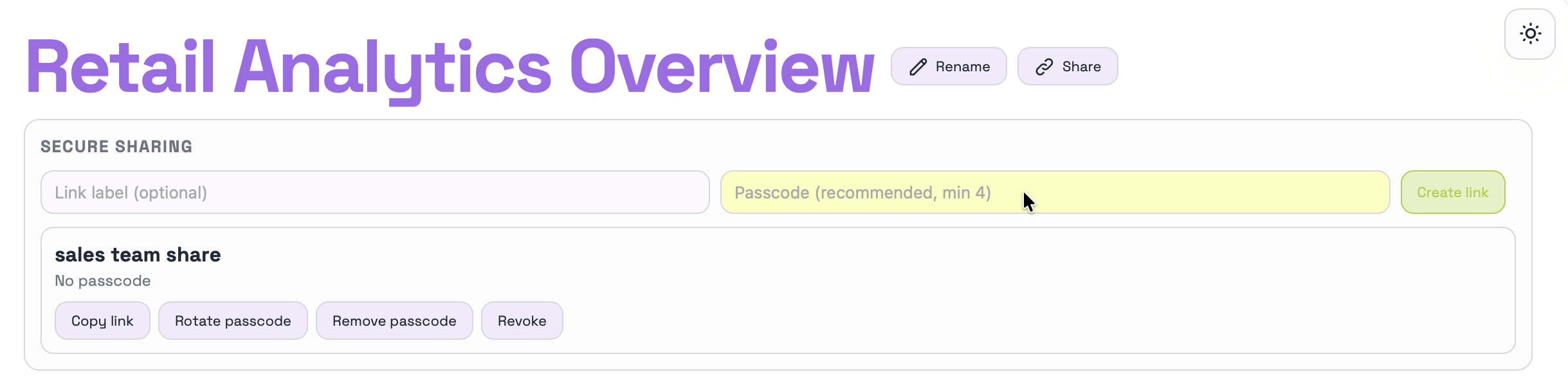
Sharing a dashboard in Luminon is straightforward: use the Share button to open the publishing and access options. From there you can add a link label to identify the link better and a passcode to control who can open it.
- Copy Link copies the ready-to-share URL.
- Rotate Passcode generates a new access code.
- Remove Passcode removes code protection.
- Revoke disables the shared link completely.
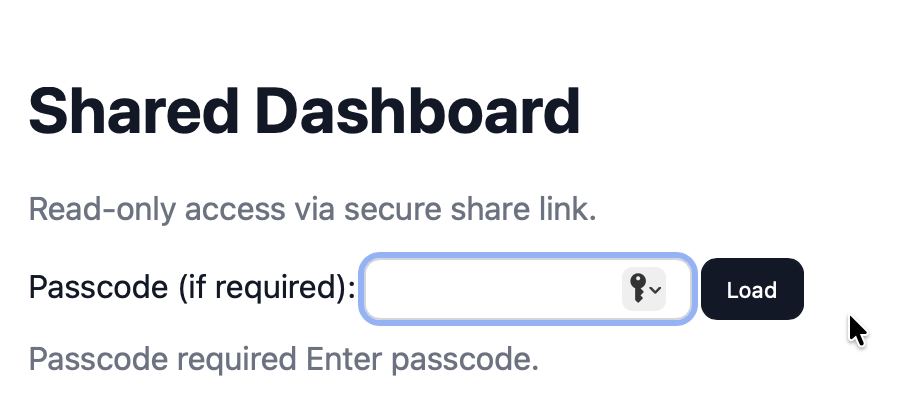
When someone opens the copied link, they will need to enter the generated passcode before the dashboard is shown. This adds a simple control layer without making sharing harder.
The best experience happens when Luminon runs on a remote server with a dedicated IP or domain, started with `luminon start renderer`. In that setup the dashboard is clearly reachable and the sharing flow works as expected for teams, clients, or public demos.